Take a closer look at RMPro and see how it can fit your team, workflow, and growth plans.
Are Sales and Staff Connected?
Connect schedules, sales, and commissions with our employee management software for small business teams that need clearer control and fewer manual mistakes.
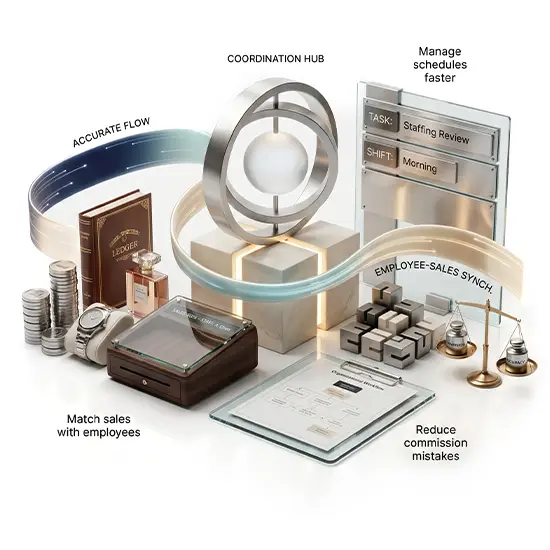
Match sales with employees
Manage schedules faster
Reduce commission mistakes
Staff & Commission Management
Keep daily staffing organized while tracking sales commissions and smoother payouts.
Employee Scheduling
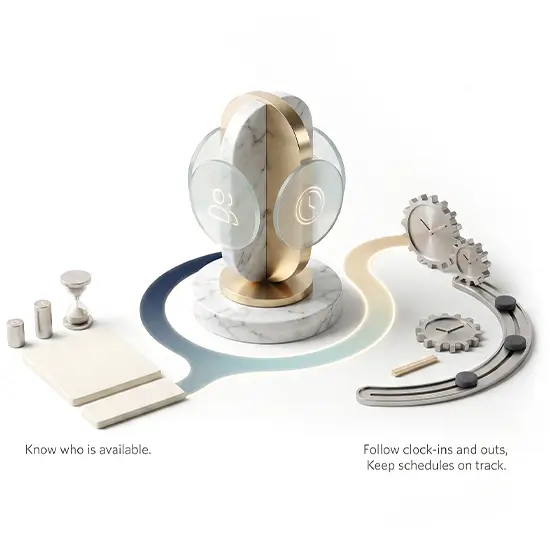
Create employee schedules, manage work shifts, and keep staffing organized across your business.
How does RMPro control employee access and business security?
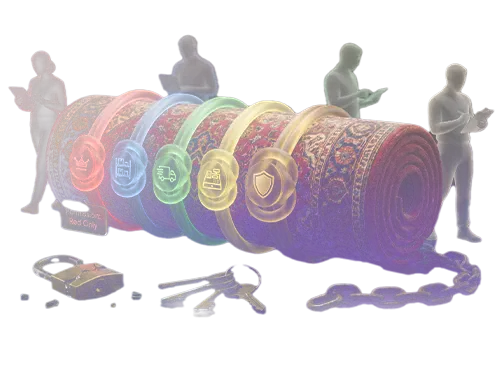
RMPro works as access control system software that lets managers set user permissions, protect sensitive business data, and give each employee only the access they need.
Can RMPro limit what each staff member can access or see inside?
Yes. RMPro includes role management software for organizing access groups and permission management software for controlling who can view pricing, costs, customer records, reports, and sensitive tools.
How does RMPro make employee scheduling easier for managers?
RMPro helps managers plan shifts, review availability, manage time off, and keep daily coverage clearer for every department and location.
Can RMPro help calculate salesperson commissions accurately?
Yes. RMPro connects sales to the right salesperson and helps calculate commissions with clearer rules and fewer manual errors each month.
Why is user access control important for rug businesses today?
Rug businesses handle pricing, vendor costs, customer data, inventory, and sales records that should only be seen by trusted users.
Can managers review user activity and staff accountability in RMPro?
Yes. RMPro helps managers review user activity, track important changes, and see who handled key actions inside the system faster.
How does Time and Attendance support better payroll records?
RMPro’s employee time management software keeps work hours, clock-ins, clock-outs, attendance, and absences organized, helping payroll stay clearer and more accurate.
Does RMPro connect staff management with stronger data security?
Yes. RMPro connects users, roles, schedules, attendance, and commissions so managers can protect data while keeping teams organized.