Smarter Inventory Control for Growing Rug Businesses
Manage SKUs, vendors, purchase orders, barcodes, product images, transfers, delivery details, and physical inventory with software built for rug retailers and wholesalers.
Make Rug Inventory Easier to Manage
Organized Product Records
Keep SKUs, unique numbers, images, and inventory history connected, so your team can find the right rug faster.
Cleaner Purchase Flow
Build purchase orders by vendor, add new inventory smoothly, and keep buying records clear from the start.
Accurate Stock Control
Use barcodes, transfers, shipping documents, and physical counts to keep inventory aligned between showrooms and warehouses.
Explore the Parts Available from Inventory Management
Stock & Item Tracking
See every rug clearly, audit stock faster, and make smarter buying decisions.
SKU vs Unique Numbers
Link SKUs with unique item numbers, so your team can track physical and virtual stock smoothly.
- SKU links
- Virtual inventory
- Item tracking
Physical Inventory
Run inventory audits by comparing real items with RMPro database records in a cleaner process today.
- Audit tools
- Record matching
- Fewer errors
Open to Buy
Study best sellers, slow movers, aging stock, and profit to make smarter buying choices faster.
- Popular items
- Old stock
- Buying control
SKU vs Unique Numbers
Link SKUs with unique item numbers, so your team can track physical and virtual stock smoothly.
- SKU links
- Virtual inventory
- Item tracking
Physical Inventory
Run inventory audits by comparing real items with RMPro database records in a cleaner process today.
- Audit tools
- Record matching
- Fewer errors
Open to Buy
Study best sellers, slow movers, aging stock, and profit to make smarter buying choices faster.
- Popular items
- Old stock
- Buying control
Why Is Purchasing Hard to Control?
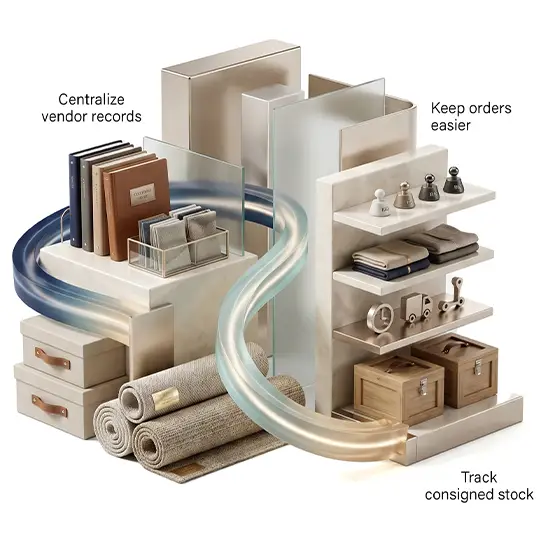
Buying gets messy when vendor records, orders, and consigned inventory live in too many places. RMPro solves it by connecting them .
- Centralize vendor records
- Keep orders easier
- Track consigned stock
Purchasing & Vendor Control
Manage buying, vendor records, and consigned stock without scattered tools or guesswork.
Purchase Orders
Create vendor-based orders, add inventory smoothly, and keep purchasing records easier to review.
- Vendor-based orders
- Smooth receiving
- Buying history
Vendor Management
Keep vendor records and related details connected, so your team can manage suppliers more easily.
- Supplier details
- Connected records
- Easier buying
Consigned Purchases
Track consigned inventory with clear records, helping your team manage stock that is not fully owned.
- Consigned items
- Clear ownership
- Stock control
Ready to See RMPro in Action?
Talk to an Expert
Talk directly with our team and get help finding the best next step for your business.
Reach Us by Email
Need details first? Email us and get clear answers without the back and forth.
Get Free Demo
Take a closer look at RMPro and see how it can fit your team, workflow, and growth plans.
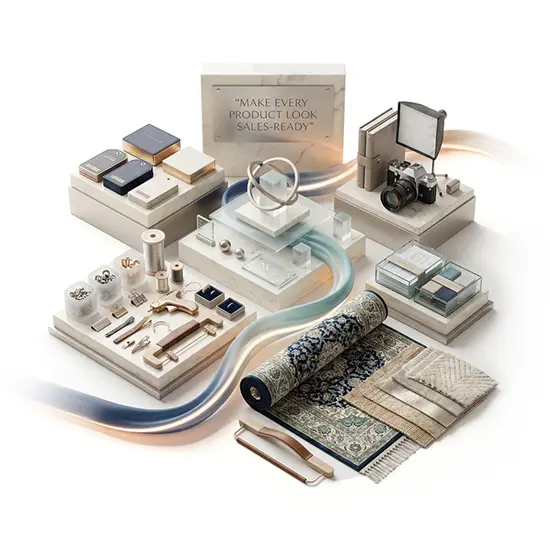
Make Every Product Look Sales-Ready
Product presentation gets easier when tags, photos, and customer-facing details are connected. RMPro helps your team show items clearly and protect private data.
- Barcode-ready tags
- Connected photos
- Protected details
Product Presentation
Improve product presentation with barcoded tags, cleaner images, and protected selling details.
Tagging & Barcoding
Quickly create barcode tags and product documents inside RMPro, without extra apps or design skills.

- Barcode tags
- Product documents
- No extra apps
Product Images
Edit product images inside RMPro and keep photos connected to the items your team manages.
- Product photos
- Built-in editor
- Item connection
Rebranding
Protect actual product information by controlling what customers see during showroom conversations.
- Popular items
- Old stock
- Buying control
Tagging & Barcoding
Quickly create barcode tags and product documents inside RMPro, without extra apps or design skills.
- Barcode tags
- Product documents
- No extra apps
Product Images
Edit product images inside RMPro and keep photos connected to the items your team manages.
- Product photos
- Built-in editor
- Item connection
Rebranding
Protect actual product information by controlling what customers see during showroom conversations.
- Popular items
- Old stock
- Buying control
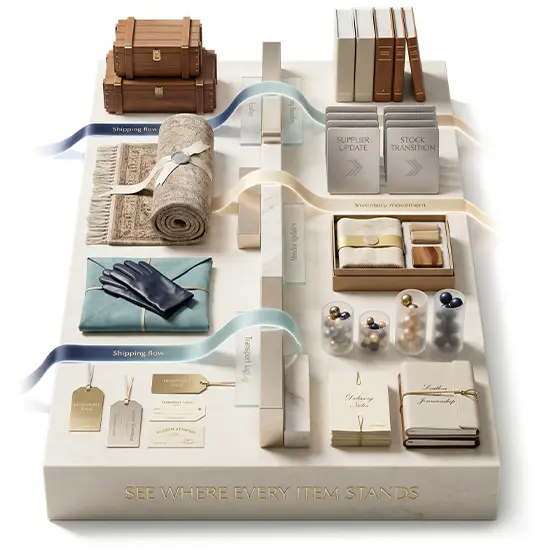
See Where Every Item Stands
RMPro helps your team track items as they ship, move between locations, and progress through custom production with clearer visibility.
- Shipping flow
- Inventory movement
- Vendor updates
Movement & Manufacturing
Keep inventory movement, delivery records, and custom rug production easier to follow.
Shipping & Delivery
Track shipping and delivery records as items move through each business location.
- Shipping flow
- Delivery documents
- Inventory movement
Location Transfers
Track location transfers clearly as items are sent, received, and moved between locations.
- Send inventory
- Receive inventory
- Transfer clarity
Loom Report
Give retailers and vendors one connected place to follow custom item production.
- Custom orders
- Production status
- Vendor updates
How does vendor management help?
Vendor management keeps supplier details and related transactions connected, including purchase orders, invoices, payments, and returns in one system.
How do I audit physical stock?
RMPro lets you manage customer returns tied to invoices, including inventory returns and charge returns, while keeping records clear and connected.
How are purchase orders managed?
RMPro helps teams create vendor-based purchase orders, add new inventory, and keep buying records easier to review from order to receiving well.
How do SKUs help manage stock?
SKUs help your team identify item types, while unique numbers track each piece, making searches, sales history, and stock reviews much easier.
How can I reduce stock mistakes?
Use one system to connect item records, barcodes, counts, and transfers, so your team can spot gaps before small stock errors grow into bigger issues.
How do purchase orders save time?
Purchase orders save time by organizing vendor-based buying, receiving steps, and new inventory details before records become messy or incomplete.
How do I organize product photos?
Keep product images linked to item records, then edit and manage them in one place so your team can present inventory more clearly to buyers.